How Workflow Automation Saves Your Support Team 20 Hours a Week
Your support team is drowning in repetitive tasks. Assigning tickets, sending follow-up reminders, escalating overdue conversations, tagging contacts — these manual processes eat up hours every day that could be spent on meaningful customer interactions.
The Hidden Cost of Manual Processes
Research shows that support agents spend up to 40% of their time on administrative tasks rather than actually helping customers. That means for every 8-hour shift, only 5 hours are productive. Multiply that across your team, and the wasted hours — and dollars — add up fast.
Common time-wasters include:
- Manually assigning incoming conversations to agents
- Copying customer info between apps and spreadsheets
- Sending the same follow-up messages over and over
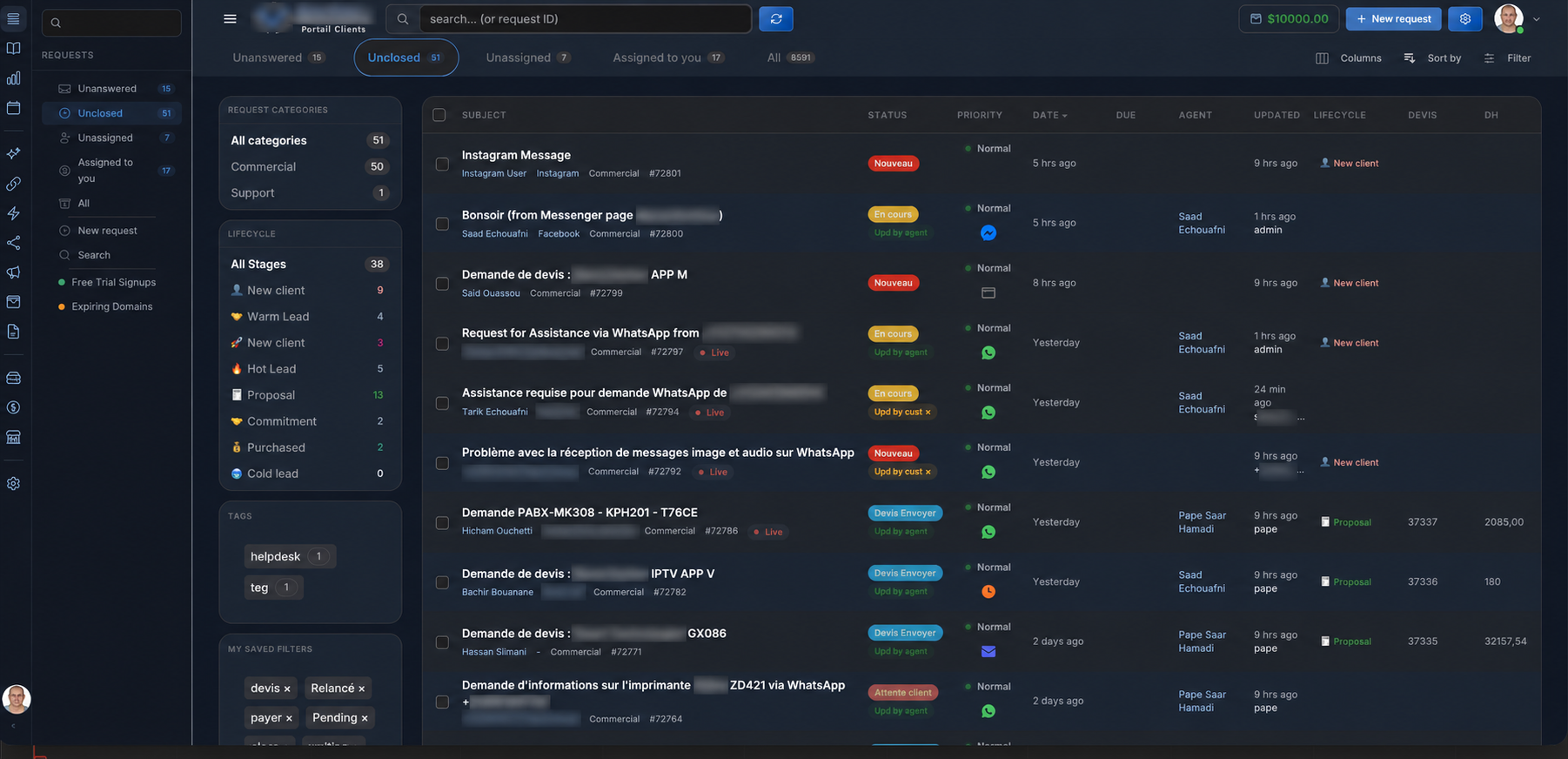
- Checking which tickets are overdue and need escalation
- Tagging and categorizing conversations after the fact
What is Workflow Automation?
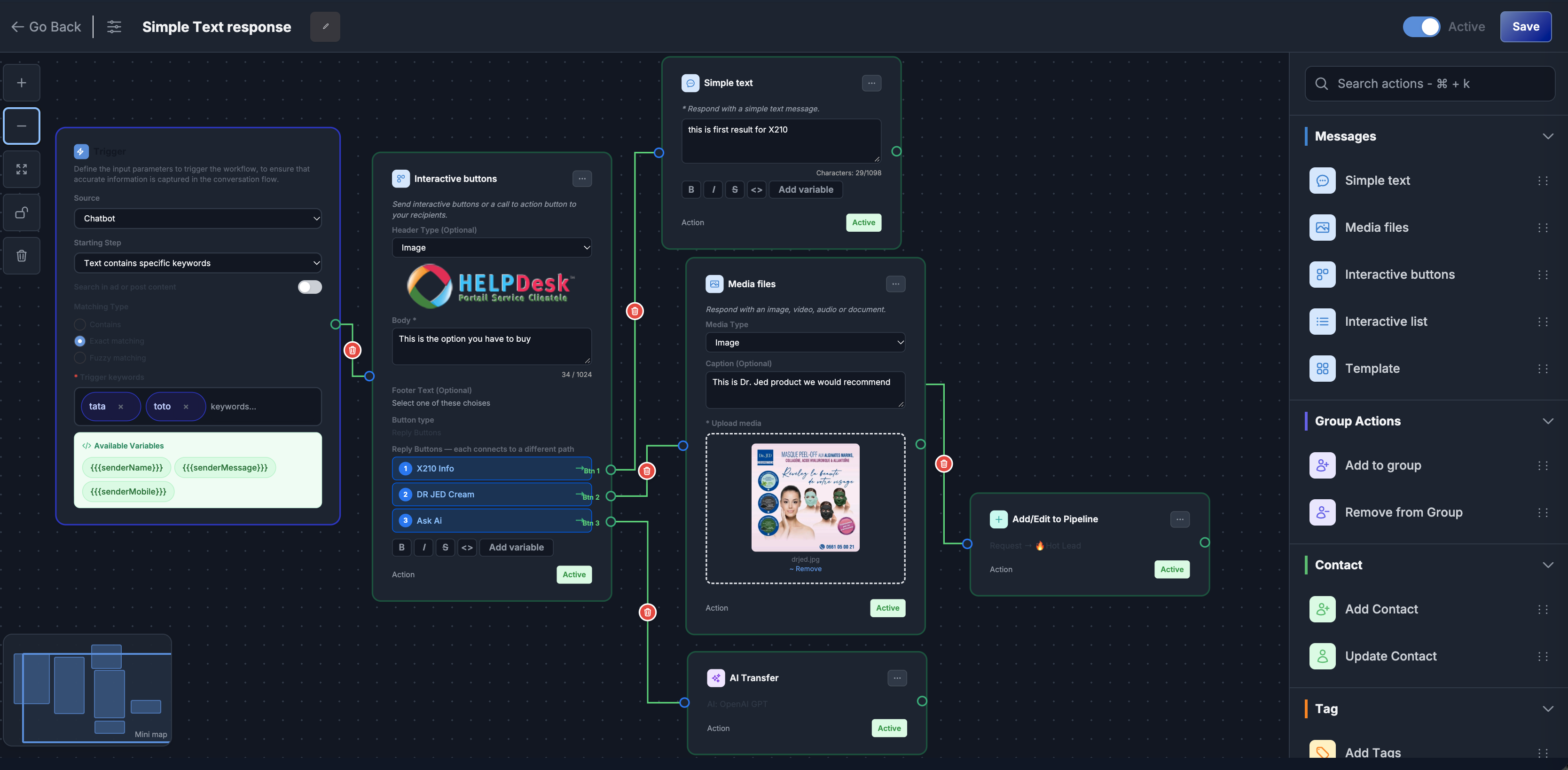
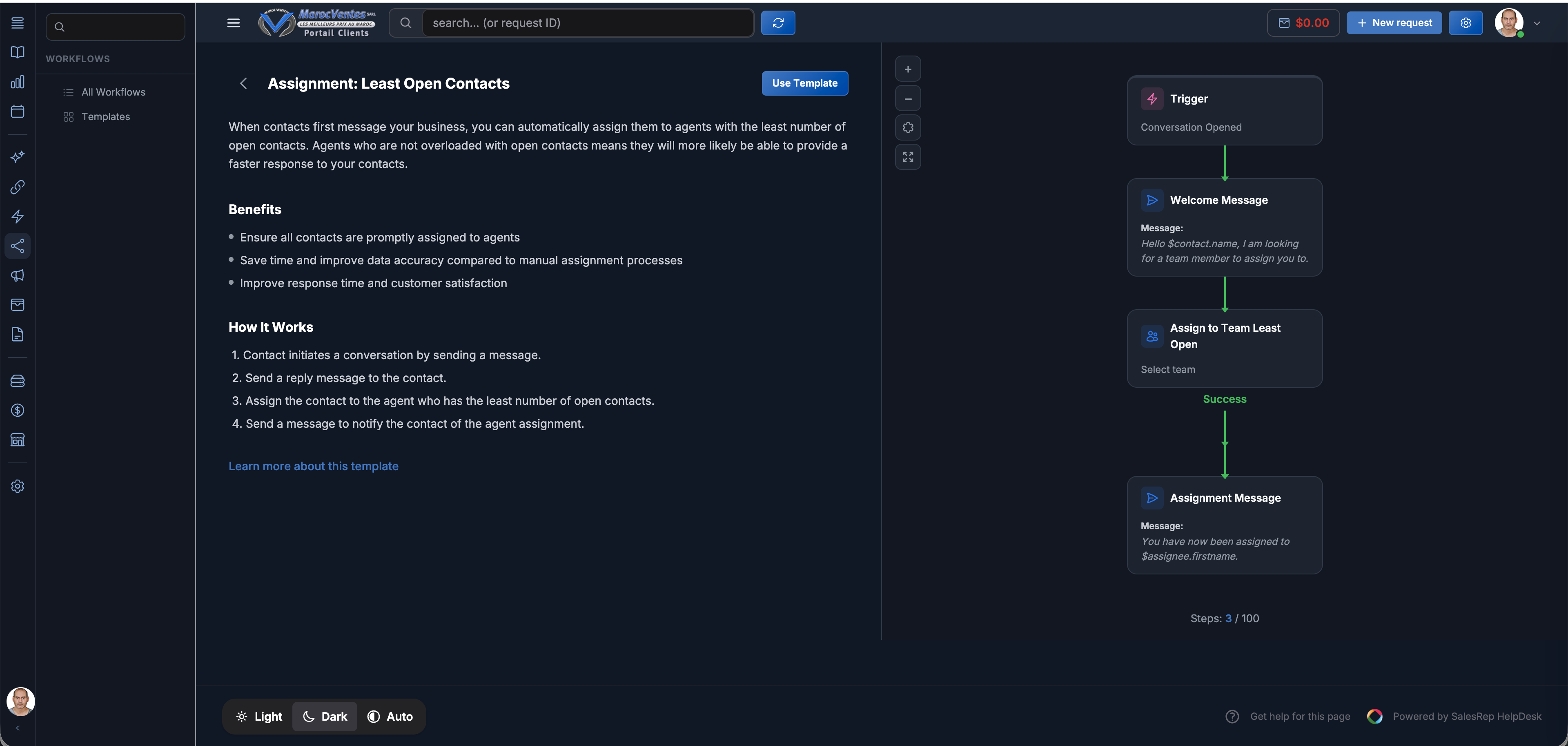
Workflow automation lets you build if-this-then-that rules that run automatically. No coding required. When a trigger event happens (new message, ticket created, customer tagged), the system executes a series of actions instantly.
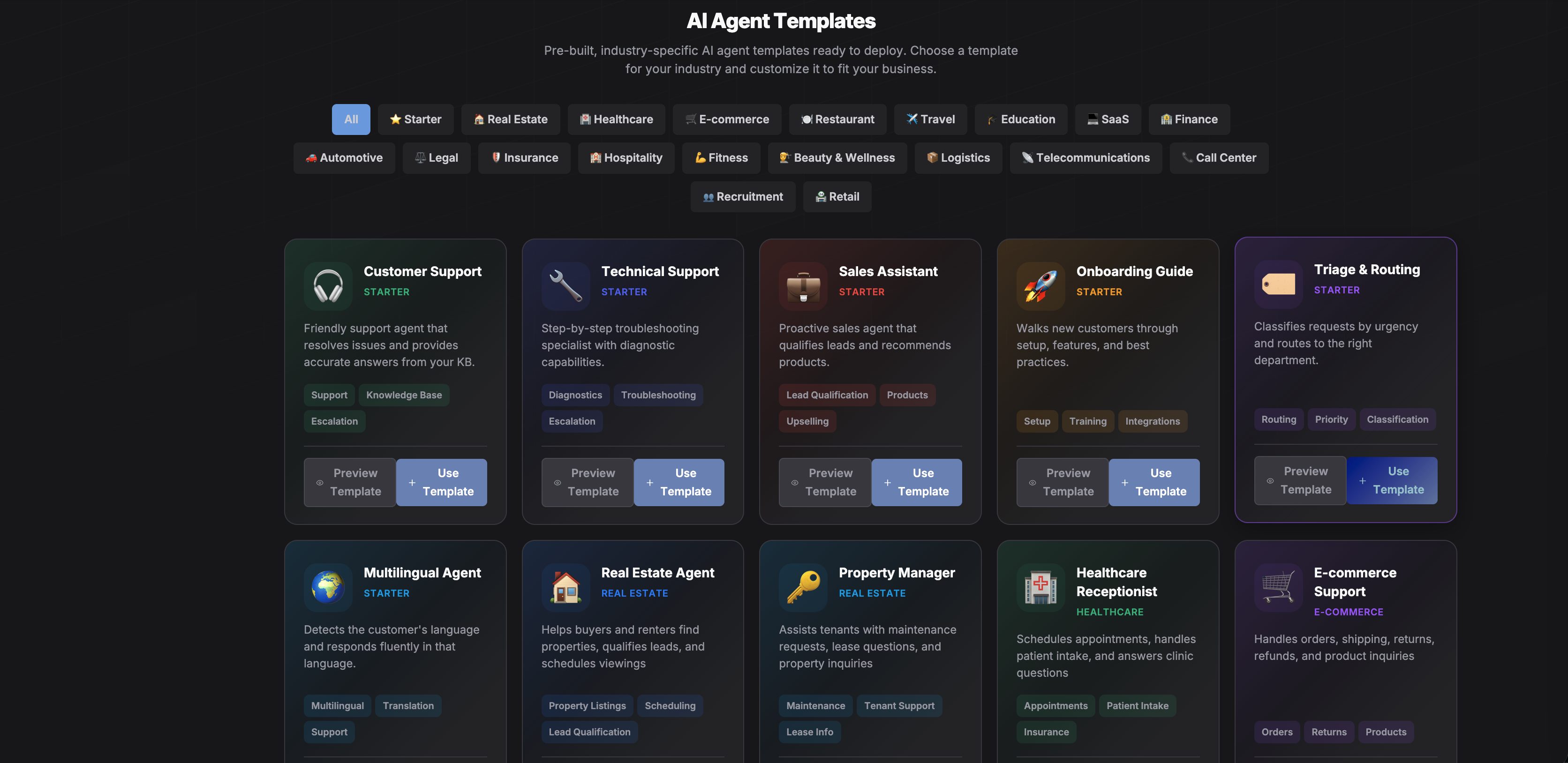
5 Workflows That Save the Most Time
1. Smart Conversation Routing
Automatically assign incoming conversations based on channel, language, topic, or customer segment. A WhatsApp message in French? Routes to your French-speaking agent. A VIP customer? Goes straight to the senior team. No manual triage needed.
2. Automated Follow-Up Sequences
When a lead goes quiet, trigger an automatic follow-up message after 24 hours on WhatsApp, then an email after 48 hours. If they respond, the automation pauses and a human takes over. This alone can recover 30% of otherwise-lost leads.
3. SLA Escalation Alerts
Set response time targets. If a conversation hasn't been answered within 5 minutes, it escalates to a team lead. After 15 minutes, it notifies the manager. Never miss an SLA again.
4. Auto-Tagging and Categorization
Based on keywords in the conversation or the channel it came from, automatically tag contacts and categorize conversations. This keeps your data clean and your reports accurate without any manual effort.
5. Post-Conversation Surveys
After a conversation is resolved, automatically send a satisfaction survey via WhatsApp or email. Results feed directly into your analytics dashboard.
Real Impact
SalesRep customers using workflow automation report saving an average of 20 hours per week per team. That time goes back into building relationships, closing deals, and delivering exceptional customer experiences.
Ready to automate your workflows? Start your free trial and build your first automation in under 5 minutes.