Marketing, Utility or Authentication? Choosing the Right WhatsApp Template Type
Every message your business initiates on WhatsApp must start from a pre-approved template, and every template belongs to one of three categories: Marketing, Utility or Authentication. The category is decided by what the message actually says — not by the name you give it. A template called order_confirmation that slips in a discount code is a marketing message in Meta's eyes, whatever you called it.
The three categories at a glance
- Marketing — creates demand: offers, new products, event invitations, win-back messages, upsells. Highest price, strictest review, and it requires real opt-in — being a customer is not the same as having agreed to receive promotions.
- Utility — follows a specific action the customer already took: order confirmations, delivery updates, requested reminders, status changes, expected documents. Cheaper, approved faster — as long as it stays strictly transactional.
- Authentication — one-time passcodes only, in a tightly constrained format with a code parameter. Never a vehicle for links, offers or anything else.
Where utility quietly becomes marketing
Compare: "Your appointment is confirmed for Tuesday at 3 PM" — pure utility. Now: "Your appointment is confirmed — and enjoy 20% off our new treatment!" — that second sentence converts the whole template to marketing, with marketing pricing and marketing review. The rule is one intention per message: if you have an offer to make, send it separately, to people who opted in, under its honest category.
Service replies are not a template category
A common confusion: when a customer writes to you first, you can answer with free-form messages inside the customer-service window — no template needed at all. "Service" describes that conversation context; it is not a fourth template category. Templates exist for messages you initiate outside that window. Mixing up the two leads to both design mistakes and budget surprises — especially as Meta's 2026 pricing changes make every message type count.
A 60-second decision tree
- Does the message carry a verification code? → Authentication.
- Does it promote, recommend, invite or try to reactivate? → Marketing.
- Does it only report on an action, order or request the customer initiated? → Utility.
- Does it mix a transactional update with any promotion? → treat it as Marketing, or better, split it into two messages.
- Is it a reply inside an open service conversation? → no template needed; follow the service-window rules.
Whatever you conclude, the category Meta assigns after submission is the one that applies — always check it before launching a campaign.
Seven reasons templates get rejected or reclassified
- The content does not match the declared category or the template's name.
- A promotion is tucked inside a transactional message.
- Variables are submitted without complete, realistic example values.
- Placeholders are not sequential ({{1}}, {{2}}, {{3}}…).
- The message lacks context — the recipient cannot tell who is writing or which action it refers to.
- A button or link contradicts the message content, or uses a URL shortener instead of your own domain.
- An authentication template is bent toward any other purpose.
Pre-submission checklist
- One dominant intention per template, with the category matching the entire content.
- WhatsApp-side name in lowercase with underscores; readable internal name.
- Complete body text, sequential placeholders, an example value for every variable.
- Buttons and links tested, pointing to your own domain.
- No promotional content in Utility or Authentication templates.
- Opt-in that actually covers the intended use.
- A real-device test before any large send.
Category and cost
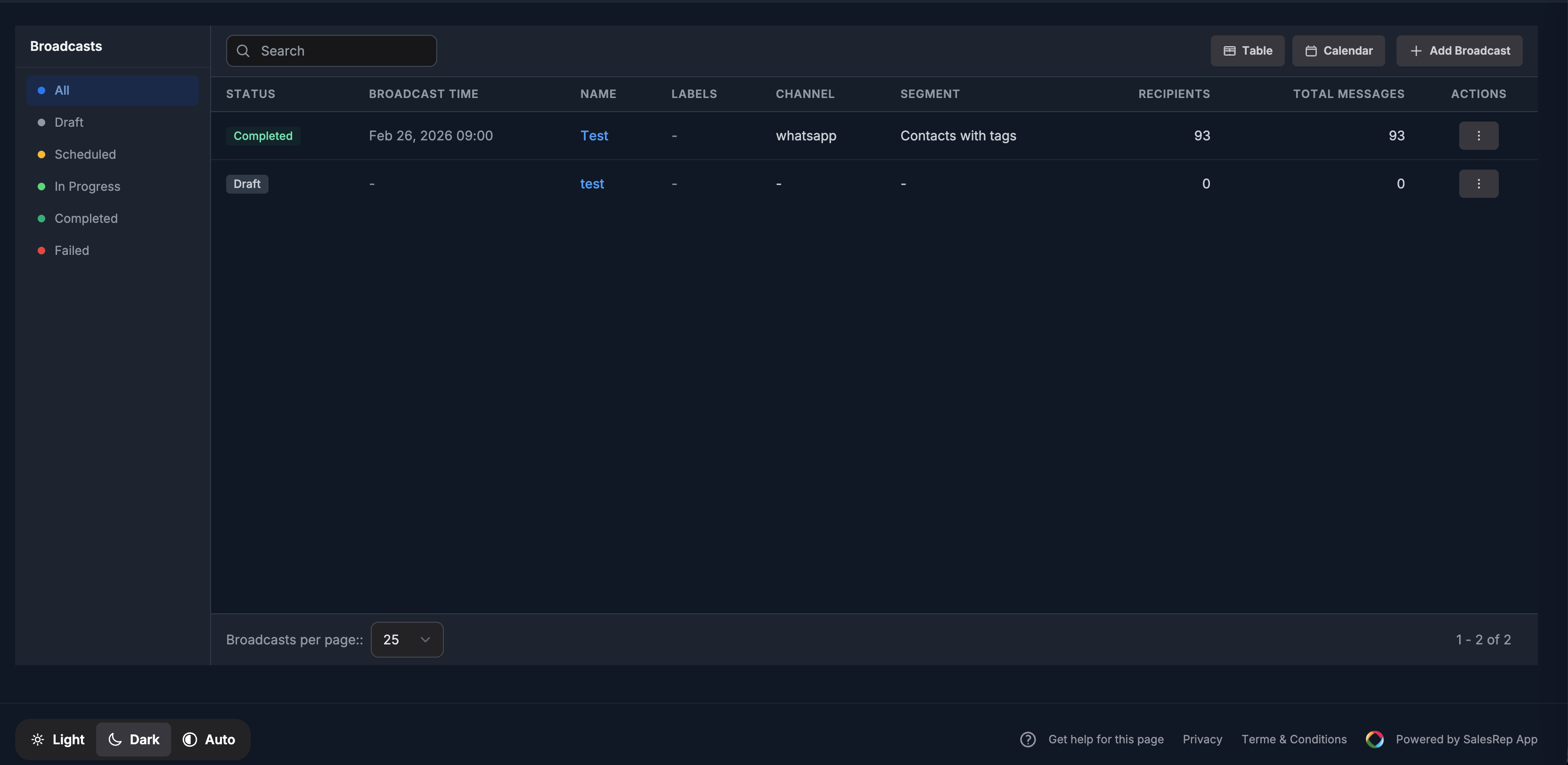
Each category has its own conversation price, and rates vary by destination country — never budget from a remembered figure. Check Meta's current rate card, and keep Meta's fees, your platform subscription and any credits as separate lines. On SalesRep, Meta's costs are passed through at cost with no markup, so the category decision directly drives what you pay.
Frequently asked questions
Can a confirmation that includes a promotion stay Utility? No — mixed content is judged by its full text and gets classified (or reclassified) as Marketing.
Can Meta change my template's category after approval? Yes. Meta's review determines the applicable category and status; verify what is displayed after submission and recheck before campaigns.
Does any platform guarantee approval? No honest one. SalesRep streamlines creating, submitting, syncing and testing templates — and warns you when a draft risks reclassification — but the approval decision is always Meta's.
Manage your whole template library — categories, status, performance and warnings — from the SalesRep dashboard. Start free for 21 days and get your first templates approved this week.